TV channels
- The transcript runs during bulletins and shows, so no moment is missed
- 10 reel templates in your channel identity: lower third, logo, ticker
- Unaired footage never leaves the building
Stop hunting for cut points. Click a word in the live transcript and the clip, subtitles and lower third are ready. Your video on social media within seconds.
The same method live or on recorded video: read what was said, pick the sentence, and a subtitled clip is ready.
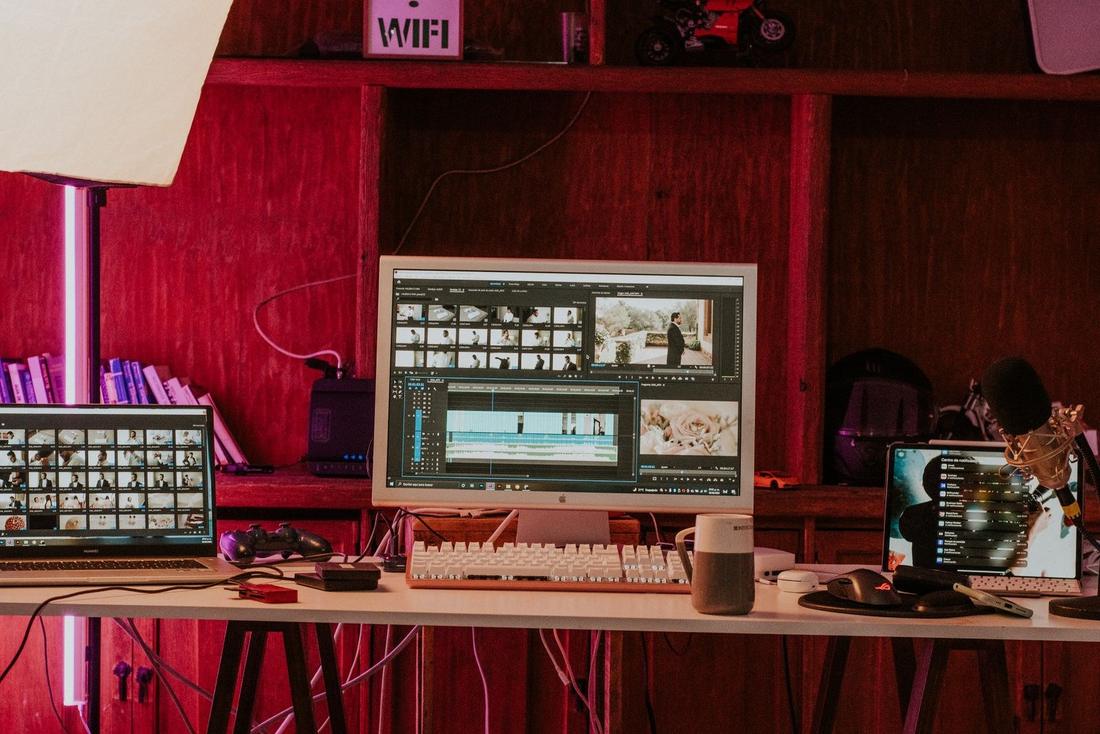


Photos are illustrative.
The editor doesn't scrub back and forth through footage; they read what was said and pick it. A clip that took minutes takes three clicks.
Watch the sentence appear in the live transcript and click its first and last word.
The words you picked become video to the second — not a frame too many or too few.
Subtitles, lower third, logo and cover are added; it goes to social media once an editor approves.
The same screen and the same three steps, live or from the archive.
The transcript runs while the bulletin or debate is on air, so you clip the moment as it happens.
It writes down exactly what is said; fix a word and both the subtitles and the clip update.
Lower thirds, titles, tickers and logo — ready-made templates in your channel's identity.
Opening and closing covers, automatic or with your own image; separate for each clip.
Upload a recorded programme and use the same method: click a word, cut.
Unaired, copyrighted footage never leaves the building. No cloud, no per-minute fees.
It's set up around your channel's schedule; write to us for pricing and a setup timeline.